
Drawer Design Pattern on GTV
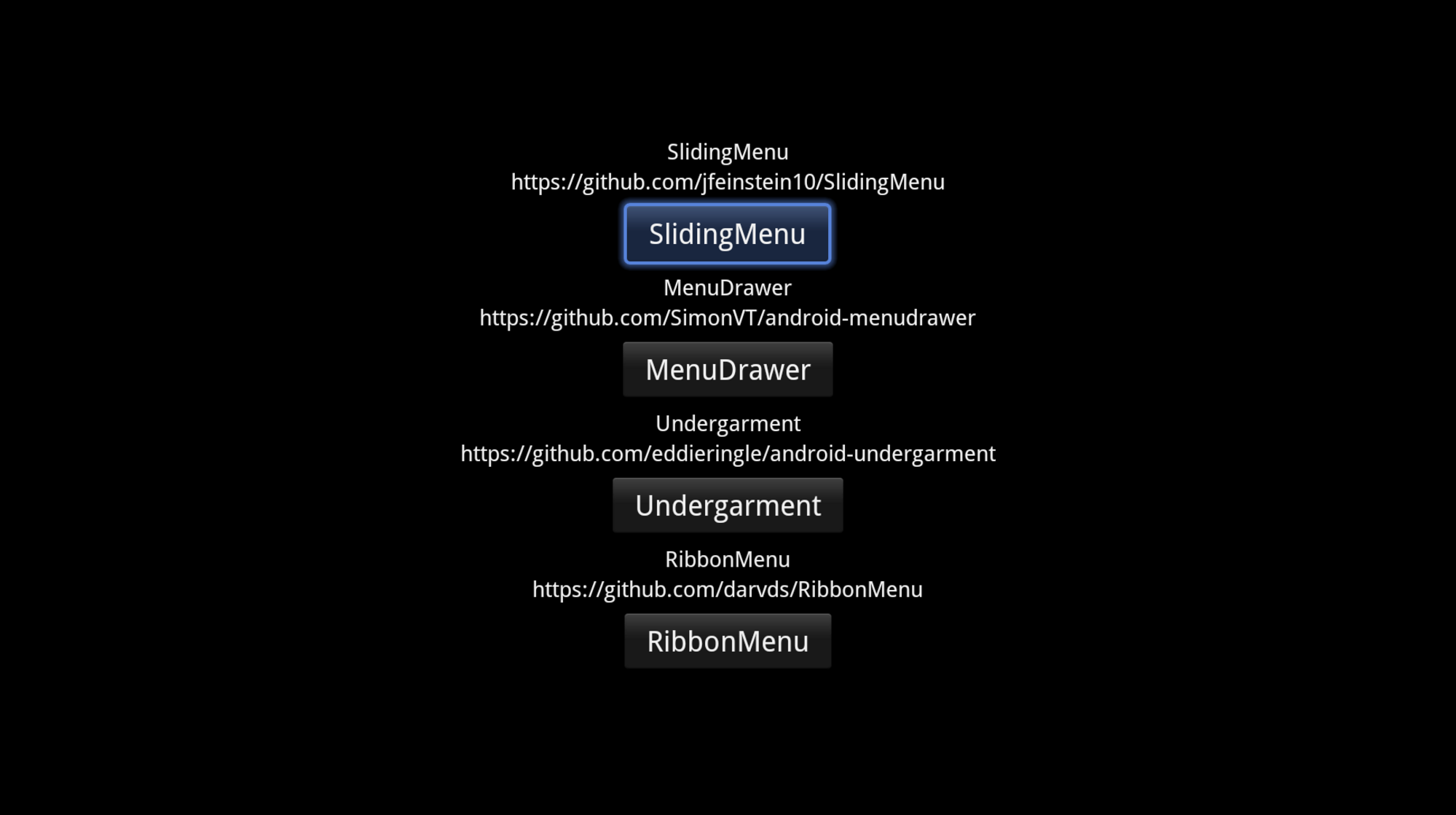
At the moment there is a lot of debate within the Android community regarding how to implement the Drawer design pattern in Android.
Generally, developers love the concept and see where it fits in with the platform, it’s the details that are still needing to be ironed out. Personally I love the design pattern, it’s an easy way of including functionality without bombarding users with tonnes of options.
Regardless of the details of how it’s implemented, the question is, does this suite Google TV?
In short: yes :)
If you have a need for offering a wide range of functionality to a user, then the Drawer design pattern is probably right for you, so the real question is how should implement it?
The best library I’ve seen to achieve this kind of interaction is the SlidingMenu available on GitHub. Not only is the library fairly active in terms of development, but it’s easy to use and handles focusing really well.
I made a simple test environment to see how some of the popular sliding menu’s worked when placed in an application with fragments side by side and how they re-act when navigating with the focus.
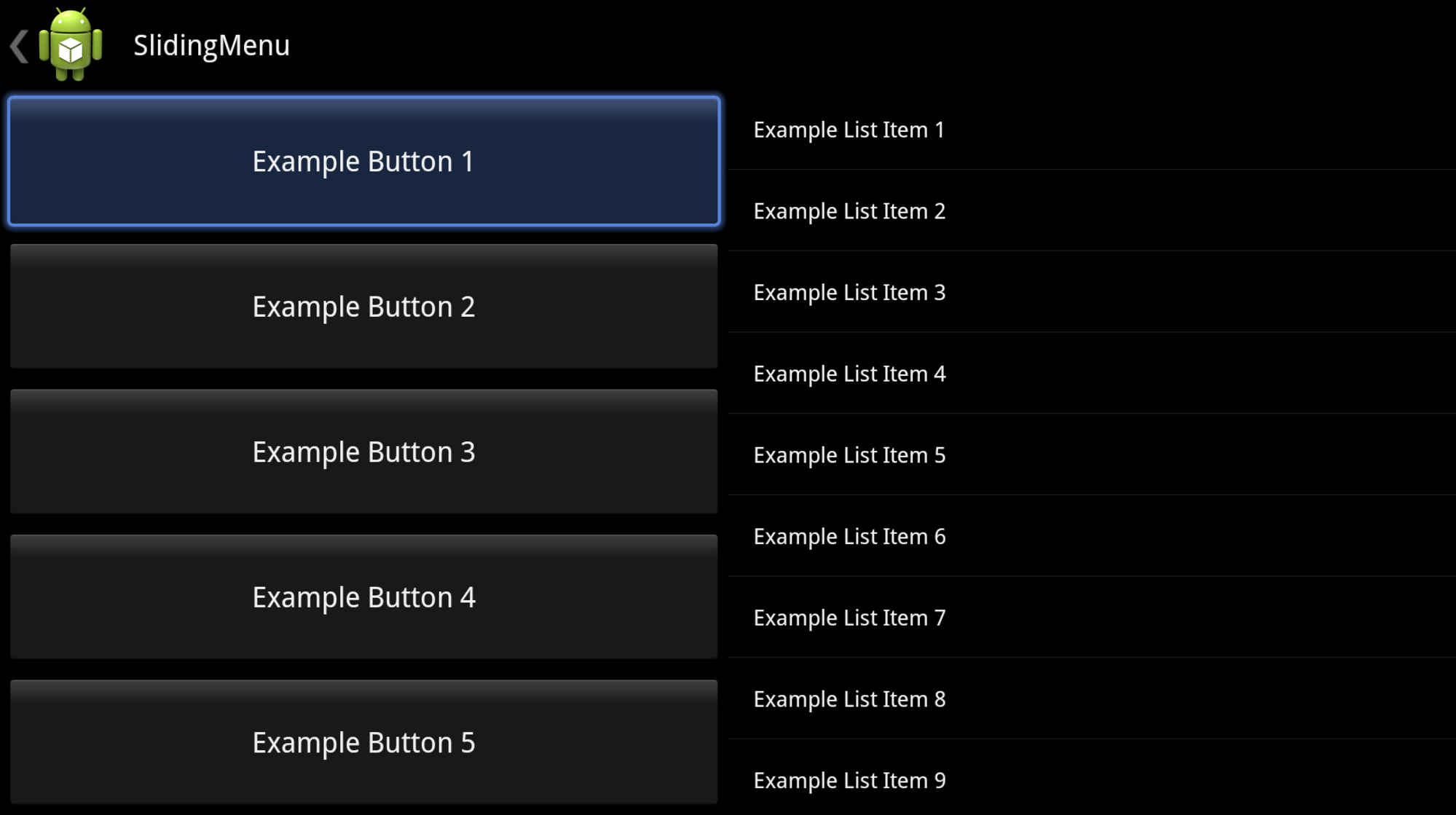
Given the focus position above you can start to interact with the Drawer by focusing left which will open the drawer.
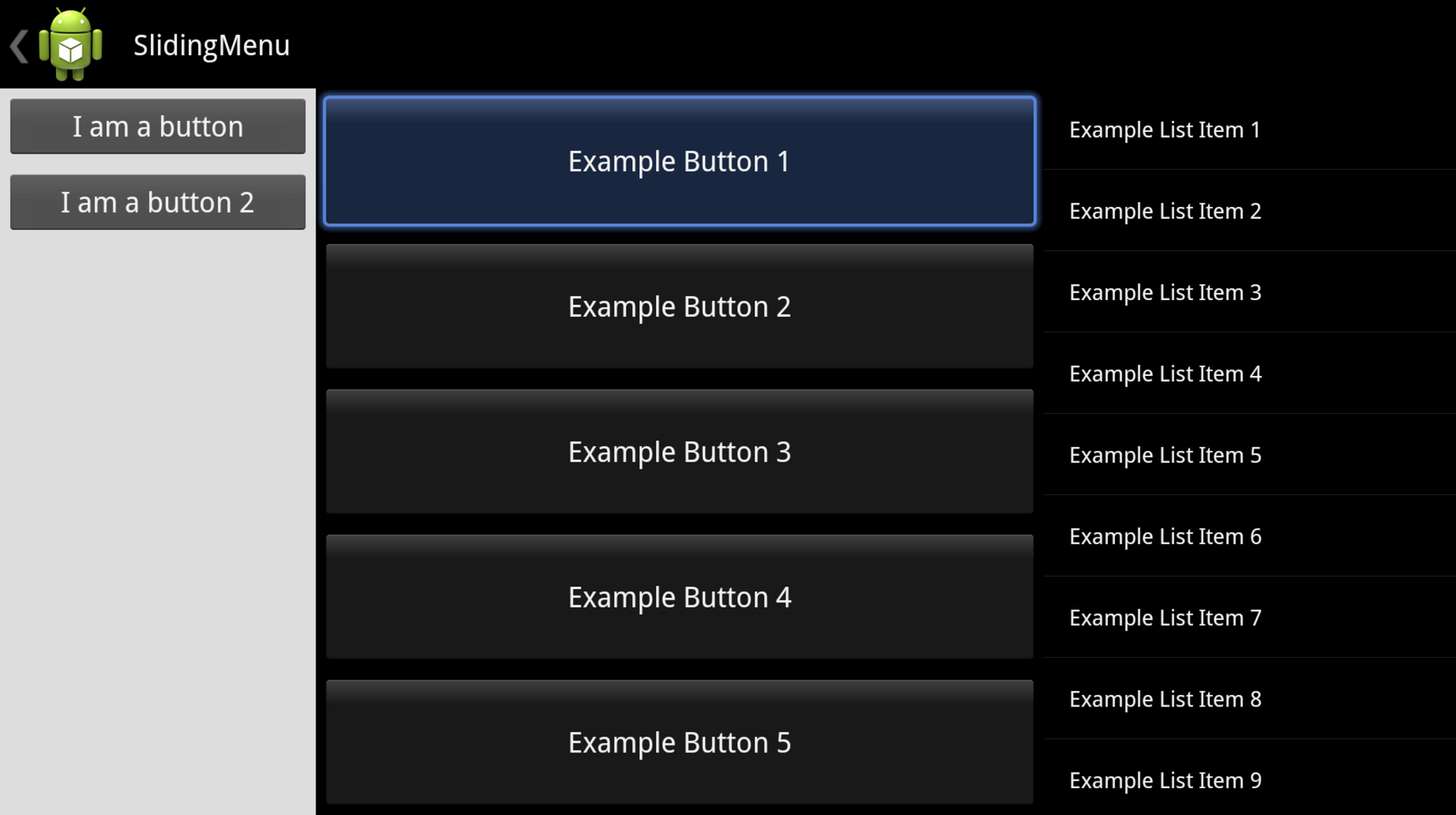
From here a user can hit left to interact with the Drawer contents or hit right and the drawer will close. At the moment there are a number of ways beyond this to toggle the drawer open and shut:
- Focus left and right to open / close the drawer. The key question here is should the user be required to hit the direction once to open the drawer and then hit a second time to actually focus on the drawer’s views, or should the drawer open and gain focus straight away? * Personally I feel that this is a nice way of interacting with the focus. By changing the UI in such an extensive way, that if you moved the focus with the UI change, it could become confusing to the user as to where they are within the interface.
- It’s become standard practice for an Android applications to have the ActionBar home icon toggle the Drawer which is easy to add in.
- Something specific to Google TV - Use the menu button on the remote control to toggle the drawer. At the moment there are a number of applications which will use the standard Options Menu API which will display a Dialog with the relevant actions. This design pattern could replace this, especially since the menu button is deprecated in newer android devices. * The things to consider here are: this drawer should only be available at the root of the application, if the menu button is used to open / close the drawer, will it confuse users when the drawer isn’t available? * Should the focus be moved to the drawer when the menu button is pressed? I am on the fence for this one, if the user presses the menu button then gaining focus does make sense, but if the menu button is pressed by accident it could really disorientate / frustrate users.
If you use a sliding menu in your application let us know what you & your users think of it. We are seeing more and more applications using the drawers and it is helping the community come to a consensus as to what is the best way to implement it, these are some additional area’s to consider when targeting Google TV.
Orig Photo: https://flic.kr/p/5VRvMi
Found an issue?
All my posts are available to edit on GitHub, any fix is greatly appreciated!